Black Friday Through Cyber Monday Tutorial Bundle Offer
For the past several years, I have offered a Black Friday through Cyber Monday Sale. This year's offer is my best yet. I'm offering all the tutorials that I currently have available for purchase for only $199. That's a savings of over $400!
This Bundle Includes All of The Following...
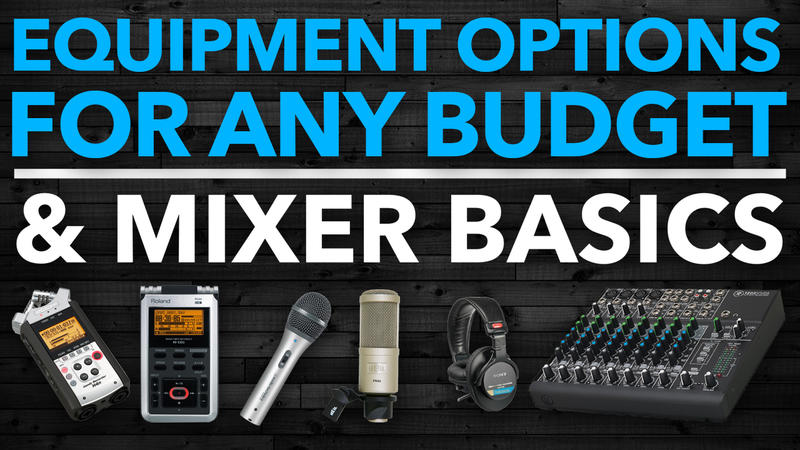
Equipment Options For Any Budget was created to help you make educated decisions about the right equipment to meet your specific needs. With this tutorial, you'll get the right equipment, the first time. You'll also learn the basics of how to hook up the various pieces of podcast gear.
Audio Mixer Basics is a tutorial that will help you understand the basic concepts of the most common audio mixers used in podcasting. It's a tutorial that will finally help you make sense of all those buttons and knobs.
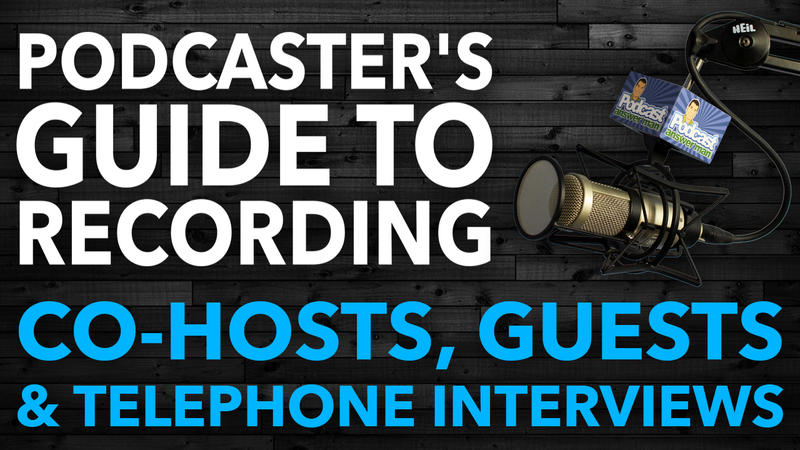
This tutorial was created for those who are planning to produce a podcast with a regular co-host or those who are looking to include podcast interviews as a part of the format for their show.
Whether the other person is in the studio with you or if you need to connect to someone in a remote location, this tutorial will explain several recording options that are availalble to you.
This one tutorial is typically the missing piece of the puzzle for those who have been struggling with the technical aspects of how to get their podcast into iTunes and the other podcast directories.
Over the years, I have had hundreds of people hire me to walk them through the process of launching their audio podcast using the WordPress platform. I've created this tutorial with step-by-step instructions that will allow you to setup and configure your podcast using WordPress at a fraction of the cost that others have paid me in the past.
Adobe Audition is, by far, my favorite piece of podcasting software that I use on my computer. This tutorial was created for those who have never used audio editing software before.
However, this tutorial will also be helpful to those who are simply transitioning from another audio editing software solution to Audition.
Audacity is a wonderful audio editing solution for those who are looking for a free software solution. I, personally, got my start in podcasting using Audacity. While, I have since upgraded to using Adobe Audition, and prefer it, many podcasters today still find that Audacity allows them to do everything that they require without having to pay a monthly fee to use the software.
This tutorial was created for those who have never used audio editing software before. However, this tutorial will also be helpful to those who are simply transitioning from another audio editing software solution to Audacity.
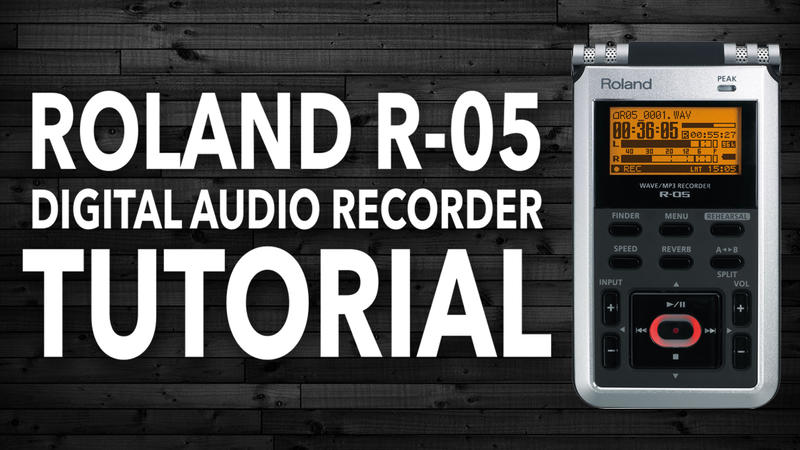
This tutorial is designed to walk you through everything you need to know about the Roland R-05 Digital Audio Recorder. I walk you, step by step, through each button on the recorder and through each of the menu settings as I explain how I am able to use this recorder to get perfect audio levels 100% of the time.
Note: This tutorial now includes a bonus video tutorial that demonstrates six different options for doing interviews out in the field with the Roland recorder.
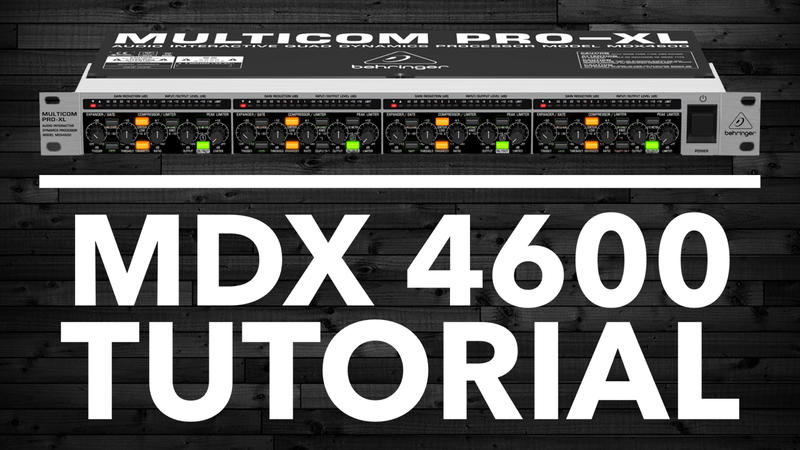
This tutorial will walk you through how to connect and configure the Behringer MDX-4600 Compressor/Limiter/Gate.
While there are many other Compressor/Limiter/Gate options out there. This is the only one that I’ve taken the time to learn how to set up. As a result, many of my clients end up purchasing this exact unit just so they can copy wiring setup as well as all my knob and button settings. Now, instead of hiring me at my consulting rate to help you set this up, you can simply use this video tutorial that walks you through the entire setup process.
ABOUT ME:
My name is Cliff Ravenscraft. First, and foremost, I am a podcast producer who has produced more than 30 of my own podcast shows with over 3,600 of my very own podcast episodes devoted to Business, Technology, Entertainment, Family, and Faith.
In December 2006, I launched PodcastAnswerMan.com where I have since helped thousands of individuals and organizations successfully launch a podcast through one-on-one coaching, my digital training tutorials and this Podcasting A to Z online group coaching course.
If you were to look at the top 100 podcasts in the business category of iTunes, more than 50 of these shows were created by clients that I have worked with.
The tutorials offered in this bundle are a few of the foundational training materials offered in my Podcasting A to Z course.